n today’s fast-paced digital environment, it’s no longer possible to manage projects using spreadsheets, emails, or chat messages that are all over the place. Teams work from multiple places, deadlines are shorter, and clients demand things to be clear and rapid. This is why all businesses, no matter how big or little, need project management software.
If you’re beginning a business, running an agency, managing client projects, or organizing an internal team, the right project management tool can help you keep track of progress, allocate tasks, and get things done on time. There are so many tools to chose from that it’s hard to find the right one.
Some tools are meant to be simple to use, while others are made to help teams grow, plan, work together, or report back. If you use the wrong tool, things can get muddled, you can waste time, and you can get less work done.
Methodology: How We Chose These Tools
To ensure this list is practical and trustworthy, each project management tool was evaluated using the same criteria. The goal was not to list popular names but to identify tools that genuinely help teams work better.
Here’s how the selection was done:
Usability & Learning Curve
Tools had to be easy to set up and use, even for beginners. A clean interface and logical navigation were key factors.
Core Project Management Features
We looked at task management, timelines, milestones, dependencies, file sharing, and collaboration features.
Team Collaboration
Communication tools such as comments, mentions, notifications, and shared workspaces were evaluated carefully.
Scalability
The software had to work well for small teams and scale as the business grows.
Pricing & Value for Money
Both free and paid plans were analyzed to see if the pricing makes sense for the features offered.
Real Business Use Cases
Each tool was tested or reviewed based on real project workflows such as client delivery, internal operations, marketing campaigns, and product development.
Only tools that performed well across these areas made it to this list.
| Software | Best For | Key Strength | Pricing |
|---|---|---|---|
| Asana | All-round project planning | Flexible workflows | Free / Paid |
| Trello | Simple task tracking | Visual boards | Free / Paid |
| ClickUp | Feature-rich management | All-in-one platform | Free / Paid |
| Monday.com | Visual workflows | Automation & dashboards | Paid |
| Jira | Development teams | Agile project tracking | Paid |
| Wrike | Advanced planning | Gantt charts & reports | Paid |
| Basecamp | Simple team management | Clear communication | Paid |
| Teamwork | Client projects | Billing & client access | Paid |
| Notion | Workspace + projects | Flexibility | Free / Paid |
1. Asana – Best Overall Project Management Software
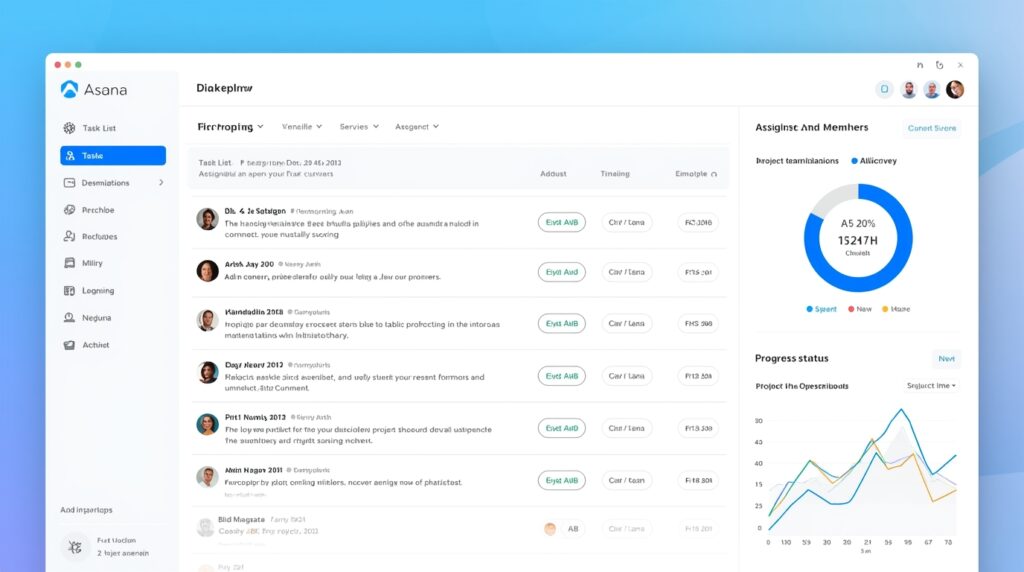
One of the most balanced project management solutions on the market now is Asana. It is strong enough for teams that are getting bigger, but easy enough for new users. The platform’s main goal is to make everything clear: who is doing what, when, and how it all fits into the larger picture.
You can look at projects in Asana as task lists, boards, or timelines, which makes it easy to fit them into different ways of working. Teams may give each other projects, set deadlines, make dependencies, and keep track of progress without making things too complicated.
Main Features
With Asana, teams can divide projects into tasks and subtasks, give them owners, and define priorities. Timelines provide you a clear picture of the timetables for a project, and dashboards let you see how things are going in real time. Automation rules make it easier to do the same thing over and over again.
Best For:
New firms, teams who are growing, marketing departments, and organizations that want a project management system that is easy to use and works.
Prices
Asana has a free plan for basic use. Paid subscriptions provide you access to timeframes, automation, and more extensive reporting.
| Pros | Cons |
|---|---|
| Easy to use, scalable, flexible views, strong collaboration features. | Advanced features are limited to paid plans. |
CTA:
👉 Try Asana for Project Planning
2. Trello – Best for Simple and Visual Task Management
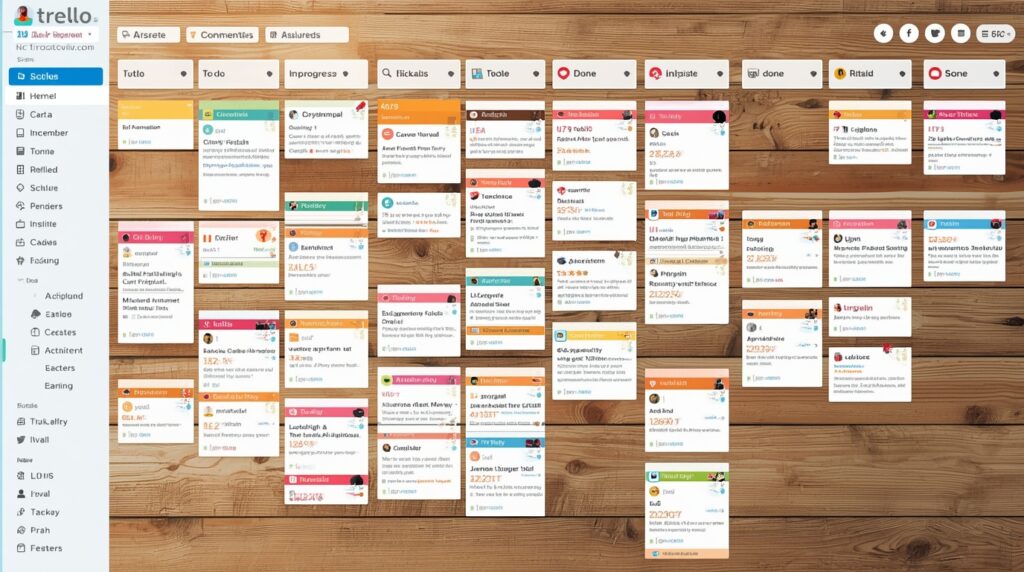
The visual board system of Trello makes it very easy to organize tasks. Cards that travel across columns show how far along a task is from start to conclusion.
The best thing about Trello is how simple it is to use. Teams can instantly see how a project is doing without having to deal with numerous menus or settings. Trello isn’t the finest solution for very hard projects, but it’s straightforward to use and clear.
Key Parts
You may use them to drag and drop cards, set due dates, generate checklists, add attachments, and use labels and other common features.
Best for: freelancers, small groups, personal projects, and workflows that aren’t too hard.
Prices
You can get a free version. Paid plans have more features and ways to connect with other services.
| Pros | Cons |
|---|---|
| Very easy to use, fast setup, visual clarity. | Limited advanced project planning features. |
CTA:
👉 Start Organizing Tasks with Trello
3. ClickUp – Best Feature-Rich Project Management Platform
ClickUp is meant to be a single platform that can replace many tools. In one system, it lets you manage tasks, keep track of time, write reports, set goals, and keep track of your progress.
ClickUp may seem intimidating at first, but once it’s set up, it’s quite strong. Teams can change workflows in a lot of ways and handle projects of all sizes, from simple to quite complicated.
Key Features
Custom views, tracking time, setting goals, making dashboards, making documents, and automating workflows.
Best For:
Teams who want to use one tool to handle tasks, paperwork, and reports all at once.
Prices
There is a free plan. Paid plans let you customize and report on things in more complex ways.
| Pros | Cons |
|---|---|
| Great pricing, highly adjustable, and an all-in-one solution. | It takes some time to learn at first. |
CTA:
👉 Explore ClickUp for Advanced Project Control
4. Monday.com – Best for Visual Workflows and Automation

Monday.com is all about making things clear and automating them. It lets teams create workflows with boards, columns, and status indicators that show progress right away.
Automation tools assist cut down on manual effort by automatically taking action when a task’s state or deadline changes.
Key Features
Custom boards, automation rules, dashboards, integrations, and tools for reporting.
Best For:
Operations teams, managers, and enterprises who need to keep track of their work visually.
Prices
Only paid plans are available, and the price depends on the size of the team.
| Pros | Cons |
|---|---|
| A modern interface, a lot of automation, and a lot of visuals. | No free long-term plan. |
CTA:
👉 Build Visual Workflows with Monday.com
5. Jira – Best for Development and Technical Teams
Jira is good for groups who work on long-term, difficult projects. It helps with controlled workflows, managing sprints, and keeping track of issues in detail.
Jira needs to be set up and learned, but it allows you more control over how to operate a structured project than anything else.
Key Features
Planning sprints, keeping track of issues, managing backlogs, producing reports, and making workflows that meet your needs.
Best For:
Technical project management and development teams.
Pricing:
Paid plans depend on how big your team is.
| Pros | Cons |
|---|---|
| Powerful tracking, flexible workflows. | Steep learning curve for beginners. |
CTA:
👉 Manage Complex Projects with Jira
6. Wrike – Best for Advanced Planning and Reporting
Wrike is made for groups that need good planning tools, like reports and timetables. It works effectively for businesses who are working on more than one project at a time.
Key Features
Gantt charts, tools for managing workloads, thorough reports, and tools for working together.
Best For:
Project managers that have to deal with complicated timetables and dependencies.
Pricing:
Paid plans with alternatives for businesses.
| Pros | Cons |
|---|---|
| Great tools for planning and reporting. | The interface can seem complicated. |
CTA:
👉 Plan Projects Effectively with Wrike
7. Basecamp – Best for Simple Team Communication

Basecamp is more about keeping things simple and talking to each other than about extensive project preparation. It puts all of your conversations, tasks, and files in one location.
Key Features
To-do lists, chat boards, scheduling, and file sharing are some of the most important features.
Best For:
Small groups who care more about clear communication than complicated preparation.
Prices
Prices that stay the same every month.
| Pros | Cons |
|---|---|
| Simple, neat, and easy to use. | Not many advanced features. |
CTA:
👉 Keep Teams Organized with Basecamp
8. Teamwork – Best for Client-Focused Projects
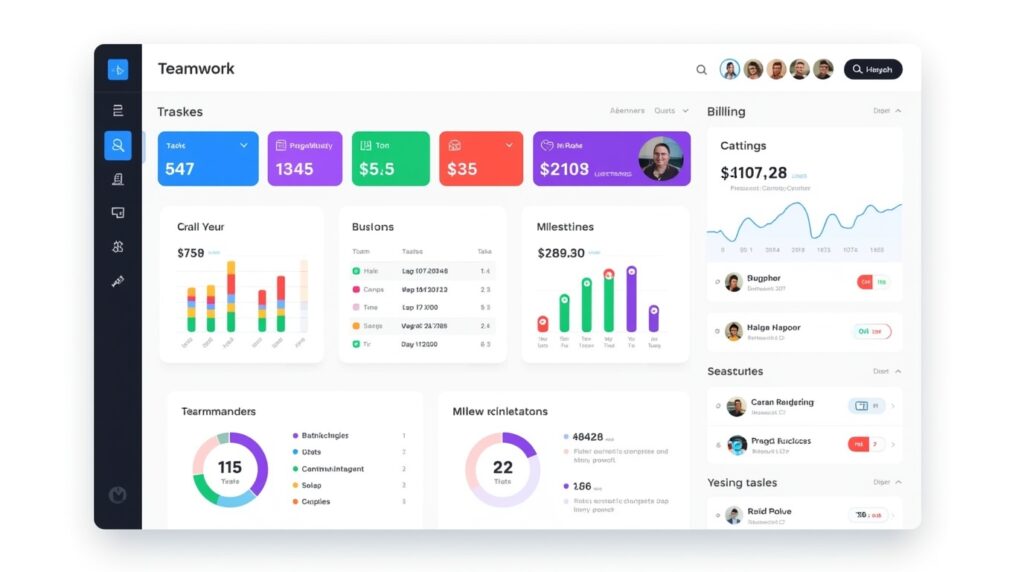
Teamwork is for agencies and service-based enterprises that work on client projects. It has tools for keeping track of time, billing, and letting clients in.
Key Features
Permissions for clients, charging, tracking time, and setting goals.
Best For:
Agencies and teams who help clients.
Pricing:
Only paid plans are available.
| Pros | Cons |
|---|---|
| Great tools for managing clients. | More than what internal teams need. |
CTA:
👉 Manage Client Projects with Teamwork
9. Notion – Best Flexible Workspace for Projects
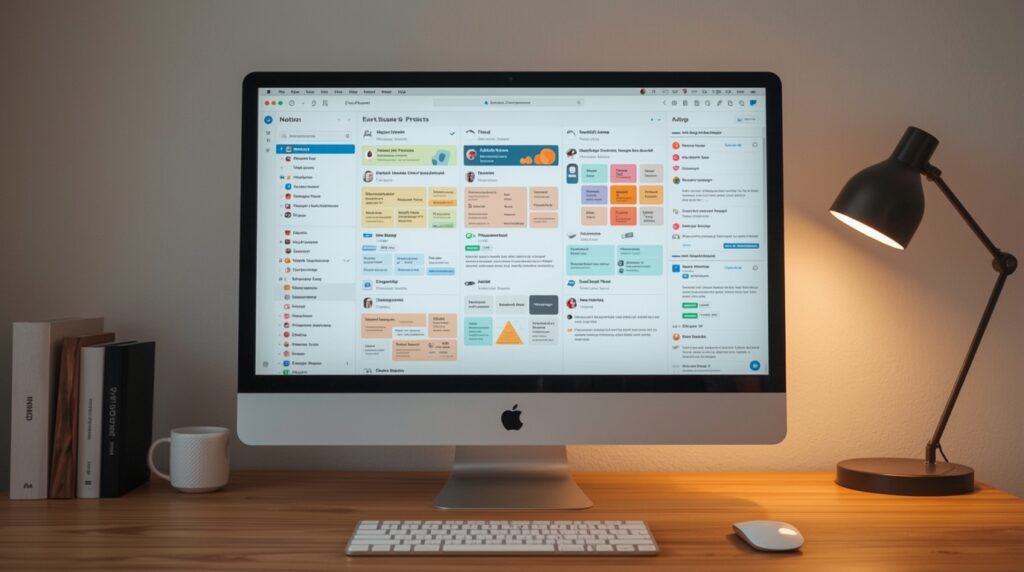
Notion is a flexible workspace that combines notes, databases, and task management. It isn’t a standard project management tool, but it works well with a lot of different workflows.
Key Features:
databases, task boards, templates, and documentation.
Best For:
Teams that wish to manage projects and keep records at the same time.
Prices
There are both free and premium plans.
| Pros | Cons |
|---|---|
| Very adaptable and configurable. | Needs to be set up to work as a PM tool. |
CTA:
👉 Create Custom Project Systems with Notion
Buying Guide: How to Choose the Right Project Management Software
For Beginners:
Choose tools like Trello or Basecamp for simplicity.
For Growing Teams:
Asana, ClickUp, or Monday.com offer balance and scalability.
For Agencies:
Teamwork is ideal for managing clients and billing.
For Complex Projects:
Wrike or Jira provide advanced planning and tracking.
Always start with a free plan or trial to test real workflows.
FAQ’s
What does project management software do?
It helps teams plan, organize, keep track of, and finish their job quickly.
Is free project management software enough?
Yes, for small teams and simple projects. Paid plans are needed for advanced demands.
What is the greatest tool for a new business website?
Asana and ClickUp are both great long-term investments.
Can one tool handle more than one project?
Yes, all of the tools on the list can handle more than one project.
Are these tools good for teams that work from home?
Yes, they are made to work together at a distance.
Last Thoughts
Choosing the appropriate project management software can change the way your team works. The tools above can be used for a wide range of tasks, from tracking small tasks to planning complex projects. This tutorial gives readers a good starting point to help them make smart choices for a new website.